Create with Confidence: A Hands-On Rotary Branding & Canva Workshop
Join Zoom Meeting: https://us02web.zoom.us/
Meeting ID: 870 2449 2064
Passcode: 563967
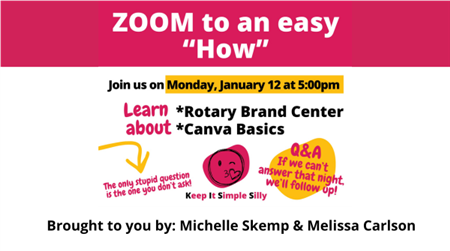
Have questions about the Rotary Brand Center or Canva? You’re not alone—and Michelle and Melissa are ready to help. Join us for a practical, beginner-friendly Zoom session designed to help Rotarians confidently create simple, polished social media posts for their club’s Facebook and Instagram pages.
This session is perfect for anyone who wants to learn how to create a Rotary-compliant logo, feels unsure navigating Canva, or simply wants a clearer starting point for promoting their club online. You bring the questions, and we’ll bring the answers.
During the workshop, Michelle and Melissa will walk you step-by-step through creating a logo using Rotary’s Brand Center. From there, we’ll head into Canva together, upload that logo, and use it to create a ready-to-post social media graphic for your club’s Facebook page.
This session is the first in a new series of helpful “how-to” trainings focused on making public image tools easy, approachable, and useful for every club.
Have specific questions you’d like covered? Send them in advance to dpublicimage@gmail.com so we can be sure to address them during the session. We look forward to creating with you!